

 By
By Introduction
Bluetooth headphones are an essential companion for any Apple Watch user. As more consumers embrace wireless technology, selecting the right Bluetooth headphones that effortlessly integrate with the Apple Watch becomes imperative. This connection enhances your audio experience and supports the watch’s features, making it invaluable for daily activities such as workouts, commuting, or relaxing.
Why Use Bluetooth Headphones with Your Apple Watch?
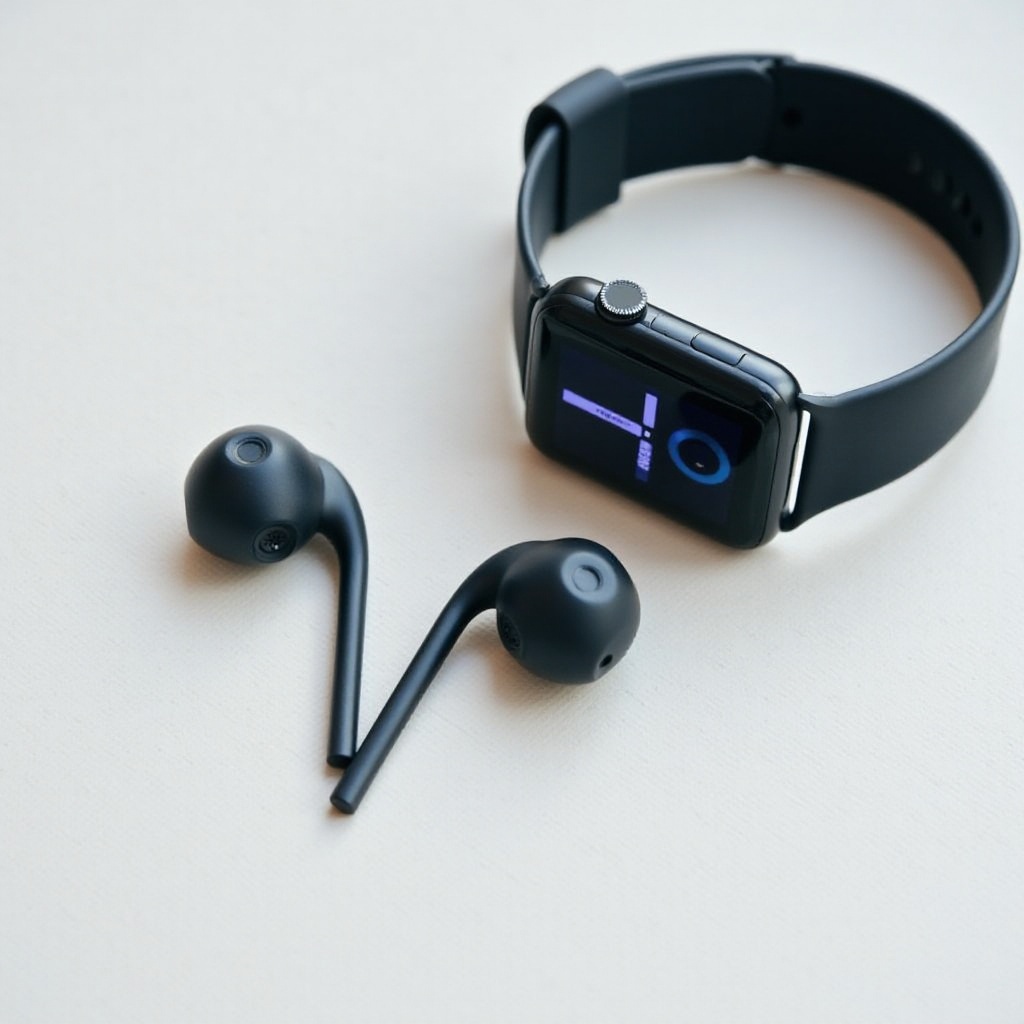
Apple Watch is designed to work seamlessly with Bluetooth headphones, offering users an unobtrusive audio experience. When paired, these headphones allow you to access music, podcasts, and make calls, all without the constant presence of your iPhone. This is especially beneficial for runners or gym-goers who utilize the Apple Watch’s fitness tracking capabilities while enjoying motivational playlists.
The right Bluetooth headphones amplify convenience, offering compatibility and easy operation that complements the Apple Watch. With various options available, it is crucial to focus on the essential features that make a set of headphones perfect for your Apple Watch.
Key Features to Look for in Bluetooth Headphones
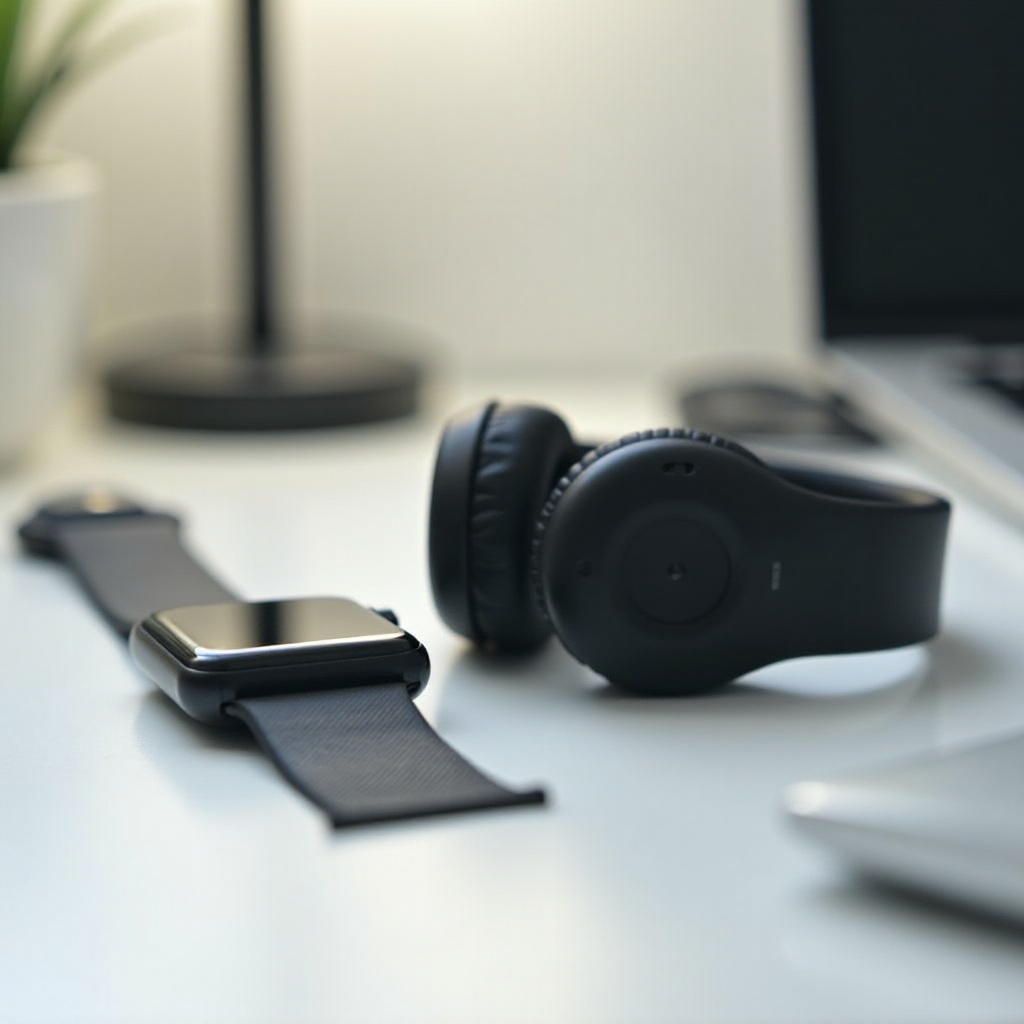
Selecting the perfect Bluetooth headphones involves evaluating several critical features:
-
Sound Quality: A good pair of headphones should deliver clear, rich sound quality. This is crucial for audiophiles and those who enjoy listening to podcasts.
-
Battery Life: Longer battery life allows for uninterrupted listening sessions, perfect for long commutes or travel.
-
Comfort and Fit: A secure and comfortable fit is crucial for prolonged use, particularly during physical activities.
-
Water Resistance and Durability: These features protect your headphones against sweat and rain, ensuring they can withstand intense workouts or adverse weather conditions.
Understanding these attributes helps you make an informed decision, ensuring your headphones complement your Apple Watch functionalities.
How to Pair Bluetooth Headphones with Your Apple Watch
Pairing Bluetooth headphones with your Apple Watch is a straightforward process:
- Ensure your headphones are charged and in pairing mode by following the manufacturer’s instructions.
- Open the Settings app on your Apple Watch.
- Tap on ‘Bluetooth.
- Wait for your watch to locate nearby Bluetooth devices.
- Select your headphones from the list of discovered devices.
- Wait for a confirmation that your headphones have successfully paired with your watch.
If you encounter issues while pairing, consider these steps:
- Confirm that your headphones are in pairing mode.
- Check that Bluetooth is enabled on your Apple Watch.
- Restart both devices if necessary and repeat the pairing process.
Once paired, enjoy controlling music and receiving calls directly through your Apple Watch, enhancing your wireless audio experience.
Best Bluetooth Headphones for Apple Watch in 2024
Several top-rated Bluetooth headphones offer excellent compatibility with Apple Watch. Here’s a look at some top picks:
-
Model 1: Known for crisp audio and active noise cancellation, providing an immersive listening experience.
-
Model 2: Boasting an impressive battery life and ergonomic design, they are perfect for all-day wear.
-
Model 3: Featuring water-resistant technology, they are ideal for users with active lifestyles.
Each of these models offers a balance of sound quality, comfort, and durability, making them suitable partners for your Apple Watch.
Enhancing Your Experience with Bluetooth Headphones
Bluetooth headphones can significantly augment your Apple Watch experience:
-
Utilizing Apple Watch Features: Control music playback, answer calls, and interact with Siri hands-free, all directly from your wrist.
-
Optimizing Sound Settings: Tweak audio settings on your Apple Watch for improved sound quality, and update the headphones’ firmware to ensure optimal performance.
With these enhancements, your Apple Watch becomes a more powerful and versatile device for daily use.
Maintenance and Care Tips for Bluetooth Headphones
Proper maintenance prolongs the life and performance of your Bluetooth headphones:
- Regularly clean the earbuds to maintain sound quality.
- Store them in a protective case to avoid damage when not in use.
- Keep them away from extreme temperatures or moisture to prevent damage.
Following these care tips ensures your headphones remain in peak condition, ready to deliver exceptional audio experiences over time.
Conclusion
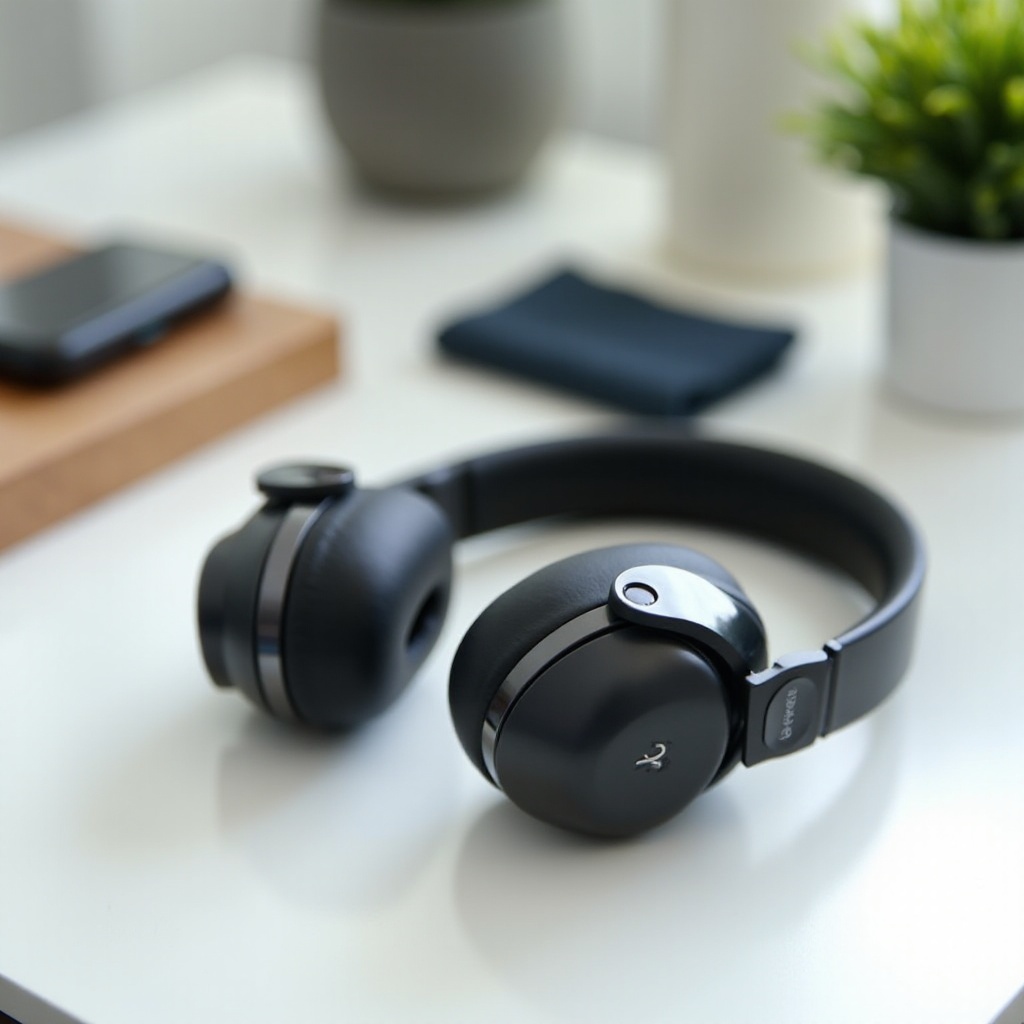
The right Bluetooth headphones enrich the functionality of your Apple Watch, providing wireless audio freedom and enhancing convenience for users on the go. By considering crucial features such as sound quality, battery life, comfort, and durability, you can select headphones that complement and elevate your Apple Watch usage.
Frequently Asked Questions
How do I connect my Bluetooth headphones to my Apple Watch?
Enable pairing mode on your headphones, open Settings on your Apple Watch, tap ‘Bluetooth,’ and select your headphones from the available devices.
Can I use any Bluetooth headphones with an Apple Watch?
Most Bluetooth headphones are compatible, but for optimal performance, choose models known for seamless integration with the Apple Watch.
How do I fix connectivity issues with my Bluetooth headphones?
Restart the headphones and Apple Watch, ensure updated software, and check Bluetooth settings. Consult the manufacturer’s support if issues persist.