

 By
By Introduction
Water inside your iPhone camera can significantly impact the functionality of your device. It can impair photo quality and, if not managed promptly, can lead to further internal damage. Addressing this issue swiftly is crucial to minimizing potential damage and maintaining your device’s performance. In this guide, we will discuss the causes of water damage, immediate actions to take, how to implement DIY solutions, professional repair considerations, and preventive measures to ensure your device remains in good condition.
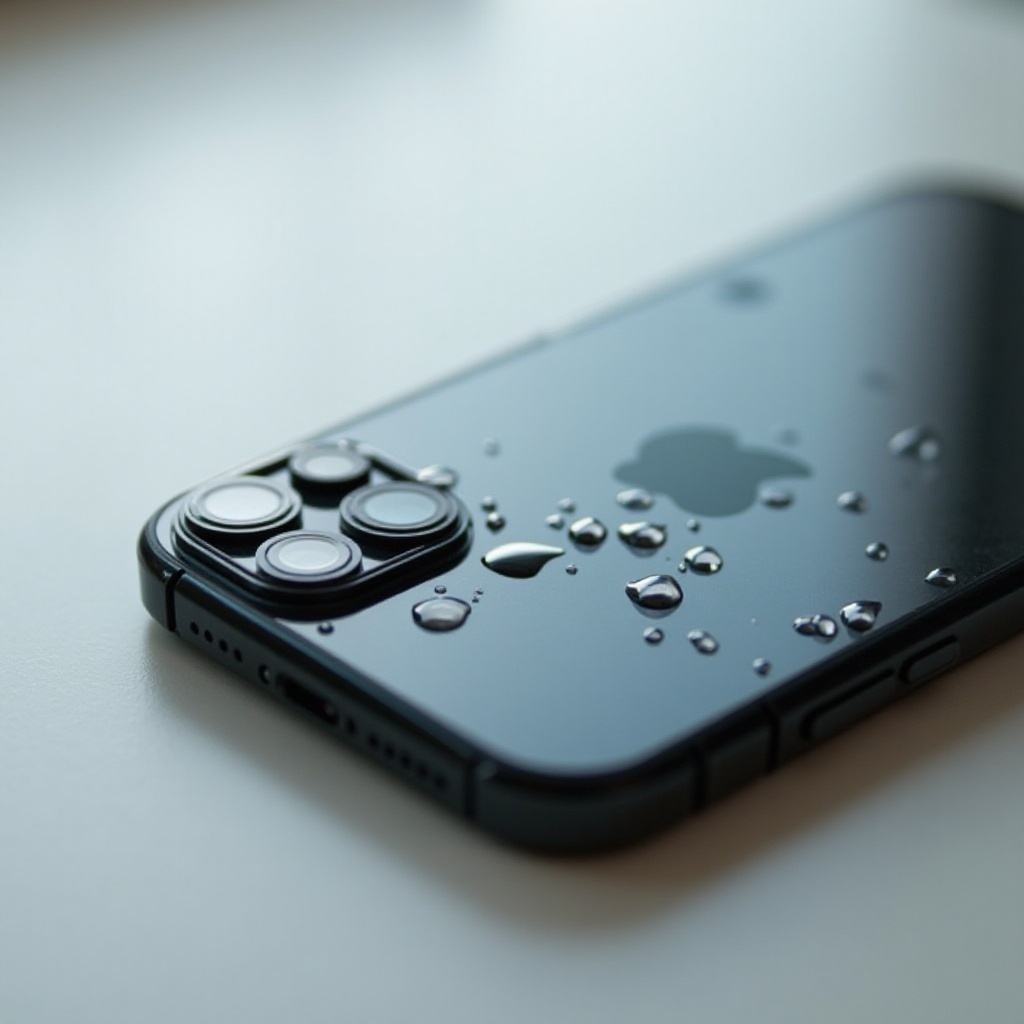
Causes of Water Inside an iPhone Camera
Understanding how water enters your iPhone camera is the first step towards preventing it. There are several common causes:
– Accidental Submersion: One of the most frequent reasons is dropping your phone in water or exposing it to intense rain.
– Humidity Exposure: Prolonged exposure to high humidity environments can gradually lead to moisture accumulation inside the device.
– Device Cracks: Cracks or openings in the phone’s casing or worn-out sealants can increase susceptibility to water damage.
By acknowledging these potential scenarios, users can be more cautious in protecting their phones from water exposure.
Immediate Actions to Take When Water Gets into the Camera
Once you suspect water has entered your iPhone’s camera, start by:
1. Turning Off the Device: Power down immediately to prevent any electrical damage.
2. Drying the Exterior: Use a soft, absorbent cloth to wipe off any visible moisture.
3. Removing Accessories: Take off any cases or covers to enhance airflow and evaporation.
4. Avoiding Electrification: Refrain from charging your device as long as it is wet.
These initial steps are essential to curb any further damage and should be executed as quickly as possible.
DIY Solutions for Removing Water from an iPhone Camera
If water has already penetrated your iPhone camera, consider the following DIY solutions:
– Using Silica Gel Packets: Enclose your iPhone in an airtight container with silica gel packets, which are more effective at absorbing moisture than rice.
– Debunking the Rice Method: While popular, the rice method is not as effective and may introduce dust and particles to your device.
Both methods aim to extract moisture, but silica gel is recommended for its superior moisture absorption capabilities.
Professional Repair vs. DIY: Making the Right Choice
If DIY methods don’t resolve the issue, or if the damage seems extensive, it may be time to seek professional repair. Consider:
– Assessing Damage Severity: Persistent camera fog or continued malfunctions could indicate the need for professional services.
– Cost vs. Coverage: Determine if your repair costs could be mitigated by warranty coverage, such as AppleCare.
When choosing between DIY and professional repair, weighing the situation’s severity and your available options is vital in making the best decision.

Preventive Measures to Avoid Water Damage in Future
After resolving an immediate issue, focus on preventing future occurrences:
– Investing in Quality Waterproof Cases: Ensure your phone is protected against accidental exposure with a durable, waterproof case.
– Adopting Care Habits: Regularly inspect your device for damages and defects like cracks.
– Avoid exposing your phone to water-prone environments or heavy rain without necessary protection.
Implementing these measures can greatly reduce the risk of water damage recurring.
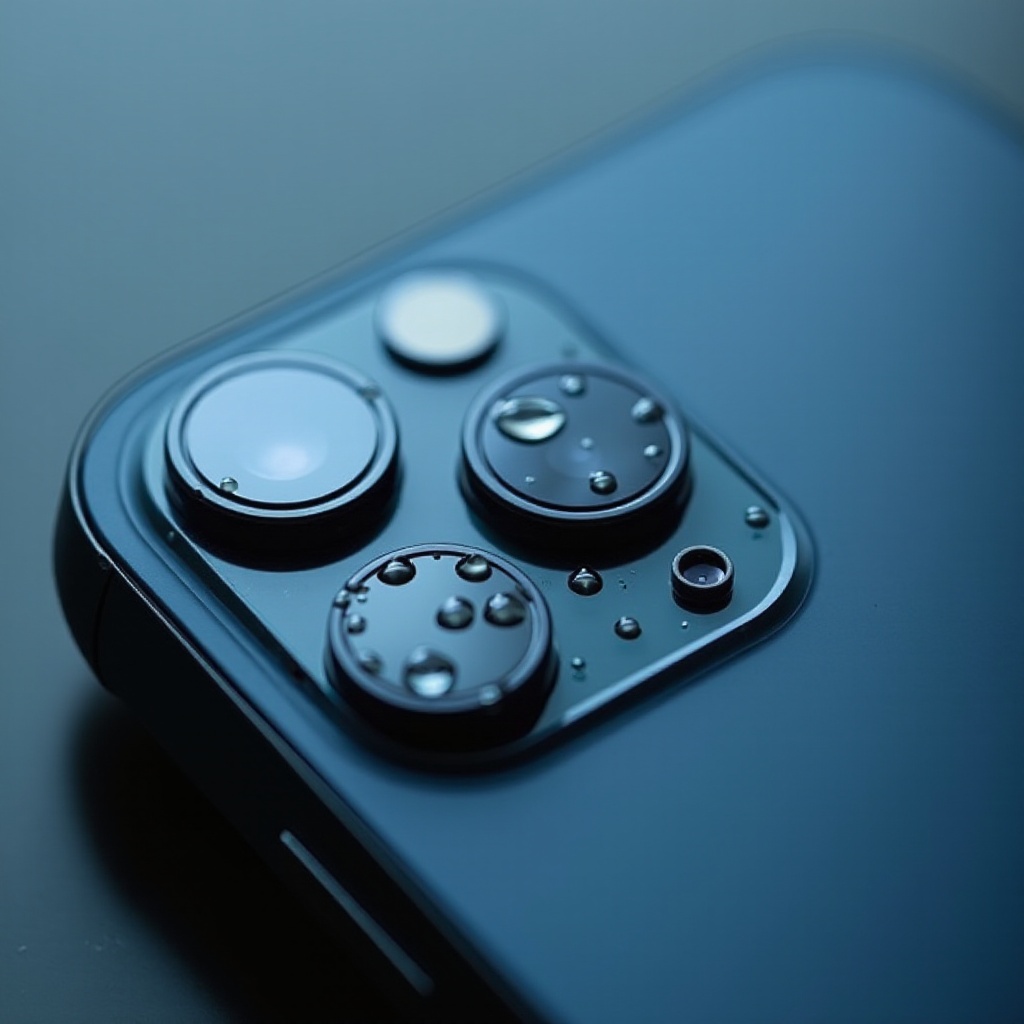
Understanding Your iPhone’s Water Resistance Capabilities
While modern iPhones often advertise water resistance, it is crucial to grasp the limits:
– IP Ratings Explained: Familiarize yourself with the IP rating of your iPhone model to understand its water resistance capabilities.
– Common Misconceptions: Despite these ratings, prolonged immersion or pressurized water can still result in damage.
Knowledge of your device’s specifications ensures you are aware of your phone’s boundaries, allowing for better handling and care around water.
Conclusion
Water inside an iPhone camera can be a distressing issue, but with swift action and the right solutions, its impact can be minimized. Understanding the causes, taking prompt action, choosing appropriate recovery methods, and adopting preventive measures are critical to preserving your device’s functionality. With awareness and proactive care, you can mitigate damage and extend the life of your device.
Frequently Asked Questions
How do I know if my iPhone camera is damaged by water?
Look for issues like foggy camera lenses or blurry photos which indicate water damage.
Can I repair water damage myself?
Minor water issues can often be fixed with DIY methods such as using silica gel, but severe damage may require professional repair.
Does AppleCare cover water damage?
AppleCare may cover water damage depending on your plan; review warranty terms or consult Apple support for more information.