

 By
By Introduction
Ejecting a disc from your PS4 might seem simple, but sometimes it becomes a puzzle. Being able to efficiently eject a disc not only ensures the safety of your games but also prolongs the life of your console. This guide provides clear instructions and troubleshooting tips to keep your PS4 running smoothly.

Understanding Your PS4 Console
The PS4’s design is appreciated by gamers worldwide. The disc drive, a crucial component, allows you to play physical games. Learning how to interact with the different parts of your PS4 will make troubleshooting easier.
-
Physical Components of the PS4
Locate essential parts of your PS4: the disc drive, power buttons, and USB ports. Being familiar with these components simplifies maintenance and problem-solving. -
Importance of the Disc Drive
Your PS4’s disc drive reads game discs, making it vital for gaming. Any issues here can disrupt play, so understanding how to care for it is beneficial.
Manual Disc Ejection Methods
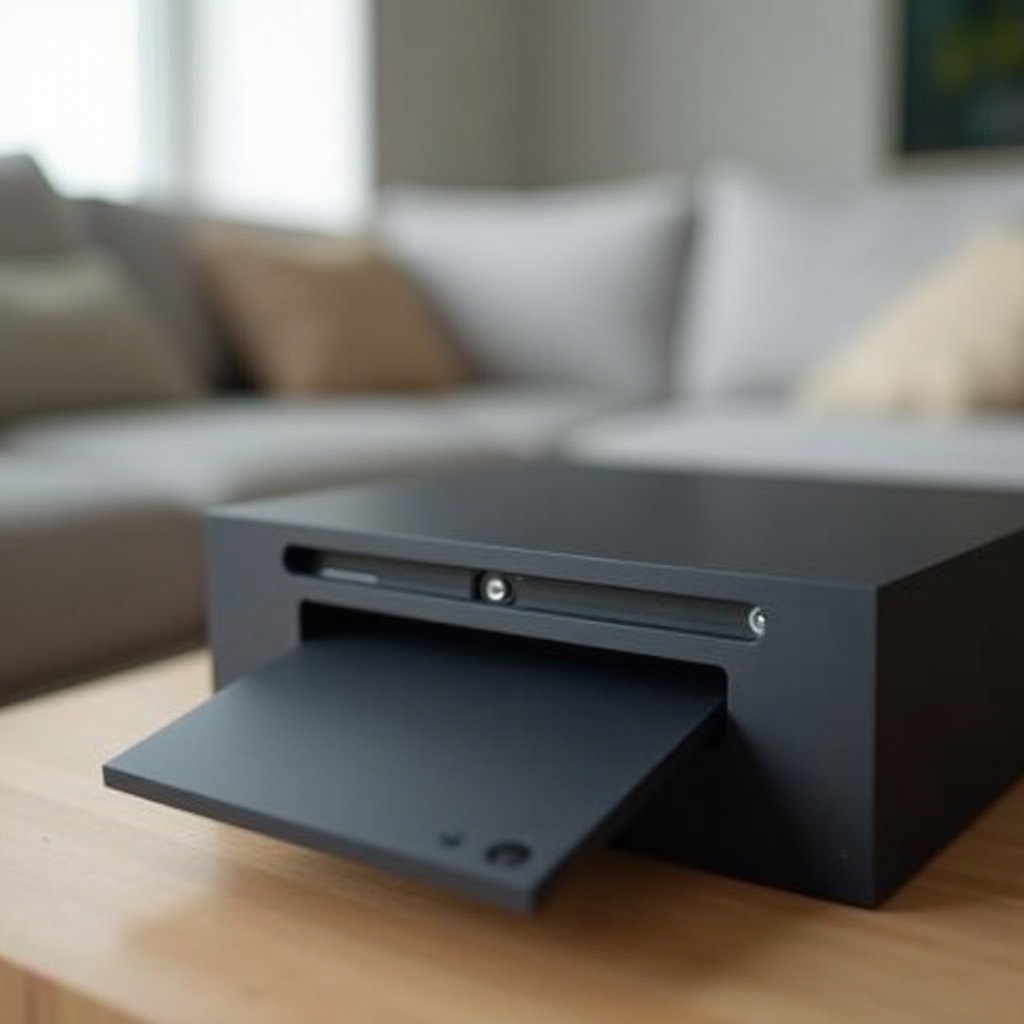
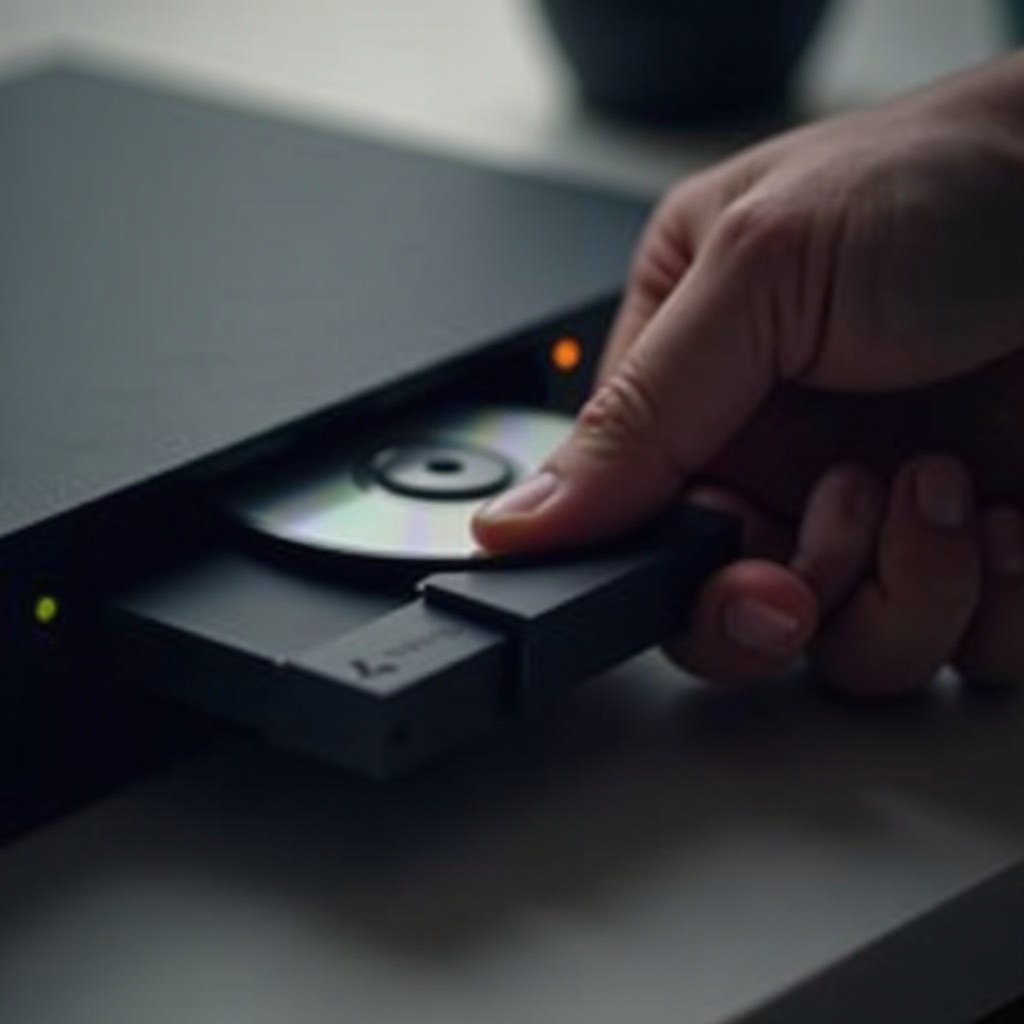
To manually remove a disc from your PS4, you have a few methods at your disposal.
- Using the Eject Button
- Find the small eject button near the disc slot on your PS4.
- Press the button gently, and the disc should slide out smoothly. Hearing a motorized sound indicates a successful ejection.
If the button doesn’t respond, other solutions might be necessary.
- Using the PS4 Controller
- Turn on the PS4 and go to the home screen.
- Select the disc icon and press ‘Options’ on your controller.
- Choose ‘Eject Disc’ from the menu.
These methods usually resolve standard ejection needs. Persistent issues require further investigation.
Troubleshooting Stuck Discs
When discs become annoyingly stuck, you have some effective strategies to explore.
- Restarting the Console
- Fully power off your PS4 and wait for a minute.
- Restart and try to eject the disc again using the previous methods.
Often, a simple restart recovers basic functionality, resolving minor glitches.
- Using the Emergency Eject Screw
For stubborn discs: - Turn off the PS4 and disconnect all cables.
- Flip the console over on a flat surface.
- Locate the manual eject screw and use a screwdriver to turn it counter-clockwise until the disc ejects.
This technique should release the disc without damaging your console. Handle with care to prevent scratches.
Preventive Maintenance Tips
Maintaining your PS4 ensures fewer disc ejection problems over time.
- Regular Cleaning and Handling of Discs
- Clean discs before inserting them. This prevents dust buildup.
-
Store discs in protective cases when not in use to avoid scratches.
-
Best Practices for Console Care
- Position your PS4 in a well-ventilated area to reduce dust accumulation.
- Regularly dust the exterior, focusing on the disc drive and vents.
Adhering to these practices helps your PS4 stay in peak condition, minimizing technical issues.
When to Seek Professional Help
Sometimes problems extend beyond minor fixes. Recognizing when to consult professionals is key.
-
Identifying Hardware Malfunctions
Frequent ejection issues might signal a hardware fault. Strange noises, like buzzing or clicking, shouldn’t be ignored. -
Contacting Sony Support
Professional support from Sony is crucial for persistent issues. Their warranty and repair services ensure quality fixes for technical problems.
Taking professional help guarantees your console’s long-term health and functionality.
Conclusion
Ejecting a disc from your PS4 doesn’t have to interrupt your gaming. With clear instructions and regular maintenance, you can safeguard your console and your games efficiently. Knowing how to troubleshoot will keep your gaming sessions seamless and enjoyable.
Frequently Asked Questions
What should I do if my PS4 won’t eject a disc?
Turn off the console, try using the manual eject screw, and if problems persist, contact Sony support.
How can I prevent my PS4 from getting discs stuck?
Maintain the disc drive with regular cleaning; handle and store discs carefully; and ensure your console is dust-free.
Is it safe to use the manual eject screw on my PS4?
Yes, if done carefully, it is safe and effective without damaging the console. Follow instructions precisely.