

 By
By Introduction
Having trouble with your Kindle Fire not charging can disrupt your routine and limit your access to your favorite digital content. But rest assured, understanding and resolving this issue doesn’t have to be a complicated process. Here’s a detailed guide to help you identify and fix the common issues preventing your Kindle Fire from charging.
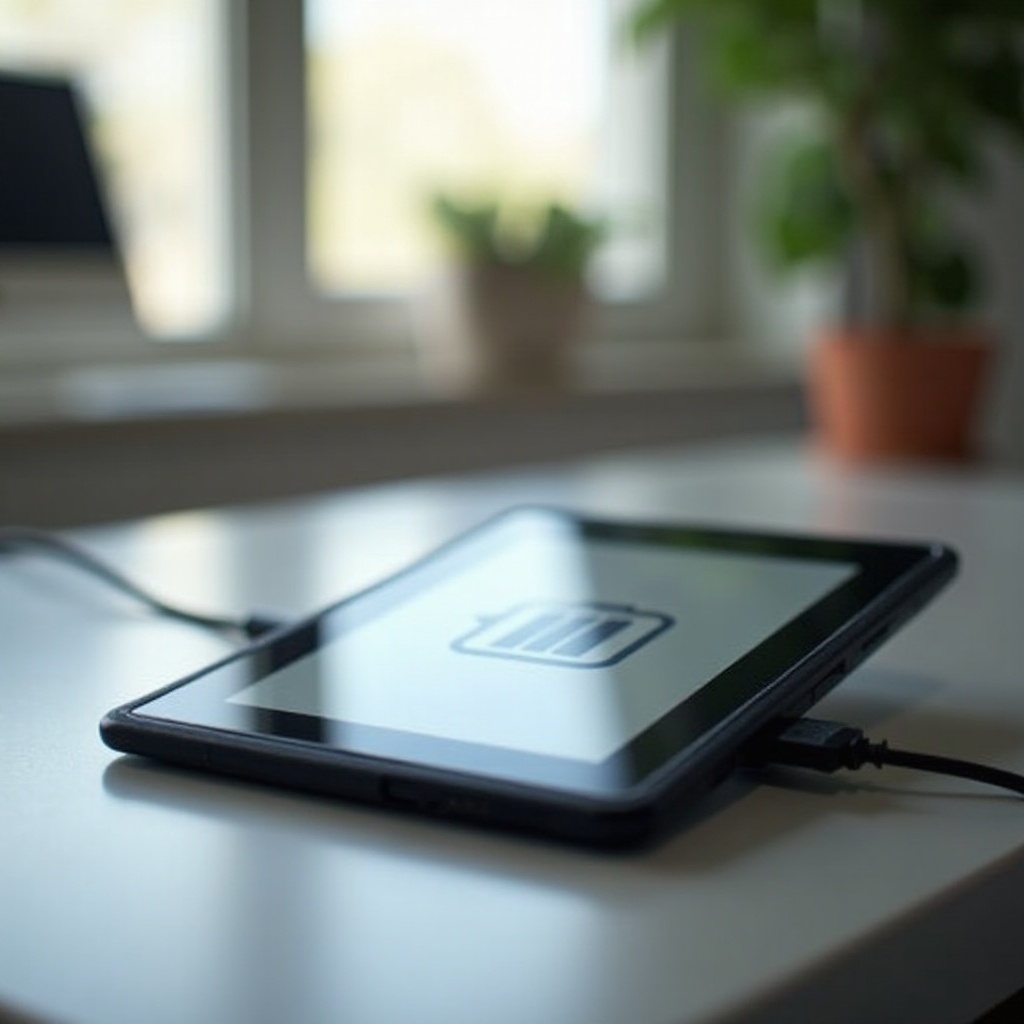
Common Reasons a Kindle Fire Won’t Charge
First, it’s important to identify the possible reasons for this issue. Doing so will make troubleshooting much more straightforward.
Faulty Charging Cable or Adapter
Inspect your charging cable and adapter closely. Signs of wear and tear, like fraying or bending, could indicate that it’s time for a replacement. Testing the cable and adapter with a different device can confirm if they are indeed causing the problem.
Battery Problems
Over time, batteries naturally degrade. If your Kindle Fire is not holding a charge or not turning on, a failing battery might be the problem. Battery replacements are often necessary to restore device functionality.
Software Glitches
Sometimes, the issue is not with the hardware. Bugs or outdated software can cause charging problems by failing to recognize when the device is connected. Ensure your Kindle Fire’s software is up-to-date to eliminate this possibility.
While identifying the cause, it’s beneficial to perform some preliminary checks to narrow down the problem further and potentially solve it with minimal effort.
Preliminary Checks Before Troubleshooting
A few simple checks might save you some time and effort before moving on to more advanced troubleshooting.
Assessing Cable and Adapter Quality
- Use a certified Amazon charger and cable known to work with Kindle Fire.
- Check for physical damage like frayed wires or bent connectors that could hinder the charging process.
Inspecting the Charging Port for Obstructions
Cleaning out the charging port might be necessary. Dust and debris obstruct the connection needed for charging.
Checking for Software Updates
Updating your device to the latest software version can fix bugs and improve the overall performance of your Kindle Fire, possibly solving the charging issue.
If your Kindle Fire still won’t charge despite completing these checks, you may need to try more specific troubleshooting methods.
Step-by-Step Troubleshooting Methods
These methods provide a more detailed approach to diagnosing and fixing the issue.
Resetting Your Kindle Fire
- Press and hold the power button for about 40 seconds until the device restarts.
- Let the device reboot completely to clear temporary software issues affecting the charging.
Trying a Different Power Source or Cable
- Use another wall outlet or USB port.
- Swap out the charging cable for a different but compatible one to check for faultiness.
Performing a Battery Drain Test
- Allow your Kindle Fire to completely drain until it powers off.
- Completely charging the battery again can help refresh the state of the charging system.
If the above methods haven’t restored charging capability, consider some advanced solutions.
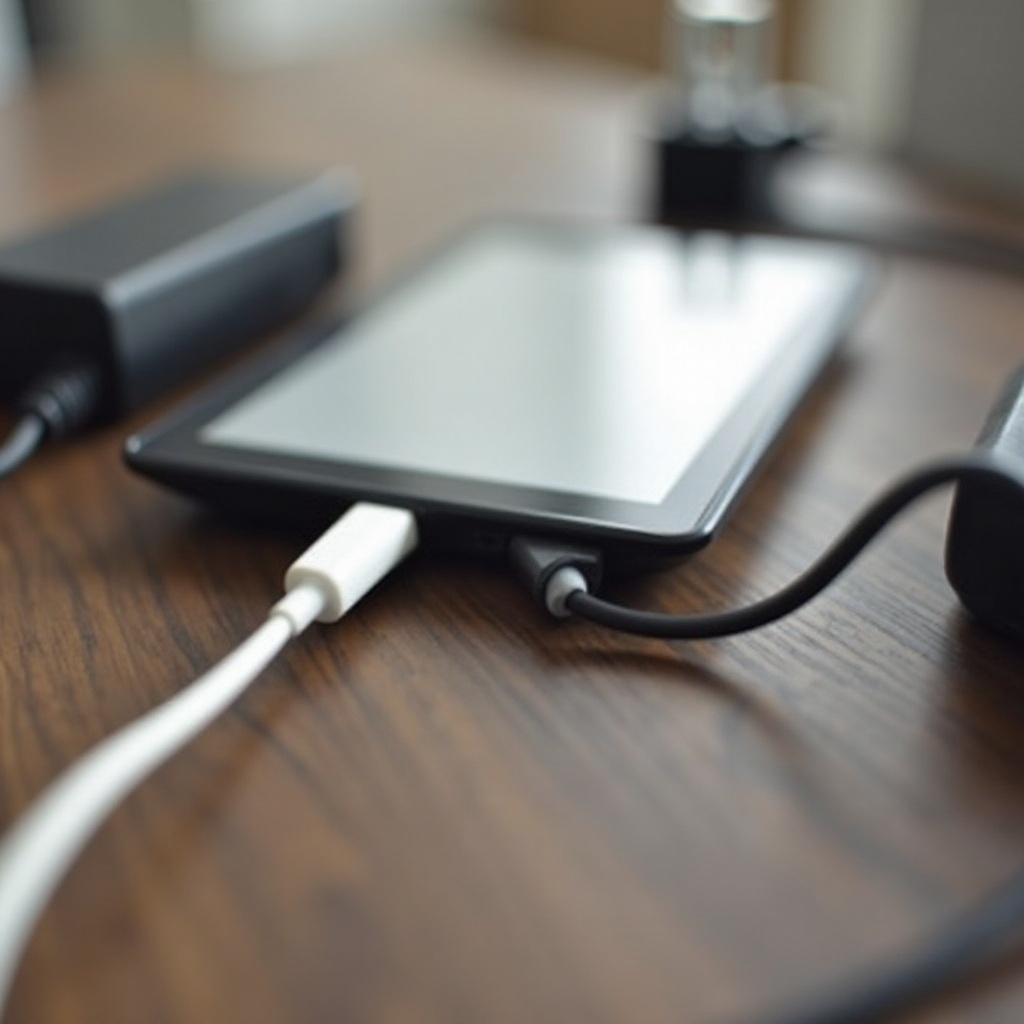
Advanced Solutions for Persistent Charging Issues
It might be time to look into more robust solutions if basic troubleshooting hasn’t worked.
Replacing Defective Components
Invest in a new Amazon-certified charging cable and adapter if any issues were found during testing. If the battery is frequently dying, a replacement might be necessary.
Updating Device Software
Perform a manual check in the settings for any software updates you might have missed. Regular updates are crucial for keeping your device running smoothly.
Contacting Amazon Support for Assistance
If your Kindle Fire remains unresponsive, Amazon’s support team can help diagnose and fix more severe problems. They offer insights into rarely occurring issues and possible repair services.

Conclusion
Charging issues with your Kindle Fire can often be resolved by identifying whether the problem stems from hardware or software. With a systematic approach and the help of certified components and support when needed, your device can regain its reliable charging capability.
Frequently Asked Questions
How can I tell if the battery is the problem?
Signs include the device not holding a charge or failing to power on, indicating battery deterioration.
Is it safe to use non-Amazon chargers with my Kindle Fire?
Using Amazon-certified chargers ensures compatibility and reduces damage risks.
What should I do if none of these solutions work?
Consider contacting Amazon support for further assistance or professional repair.