

 By
By Introduction
The PlayStation 5 DualSense controller revolutionizes gaming with its haptic feedback and adaptive triggers. Despite its impressive features, many users face the issue of their controllers not charging from wall outlets. This guide will help you understand this problem and provide you with step-by-step solutions to keep your gaming experience uninterrupted. Let’s explore how to tackle this common issue effectively.
Understanding PS5 Controller Charging Basics
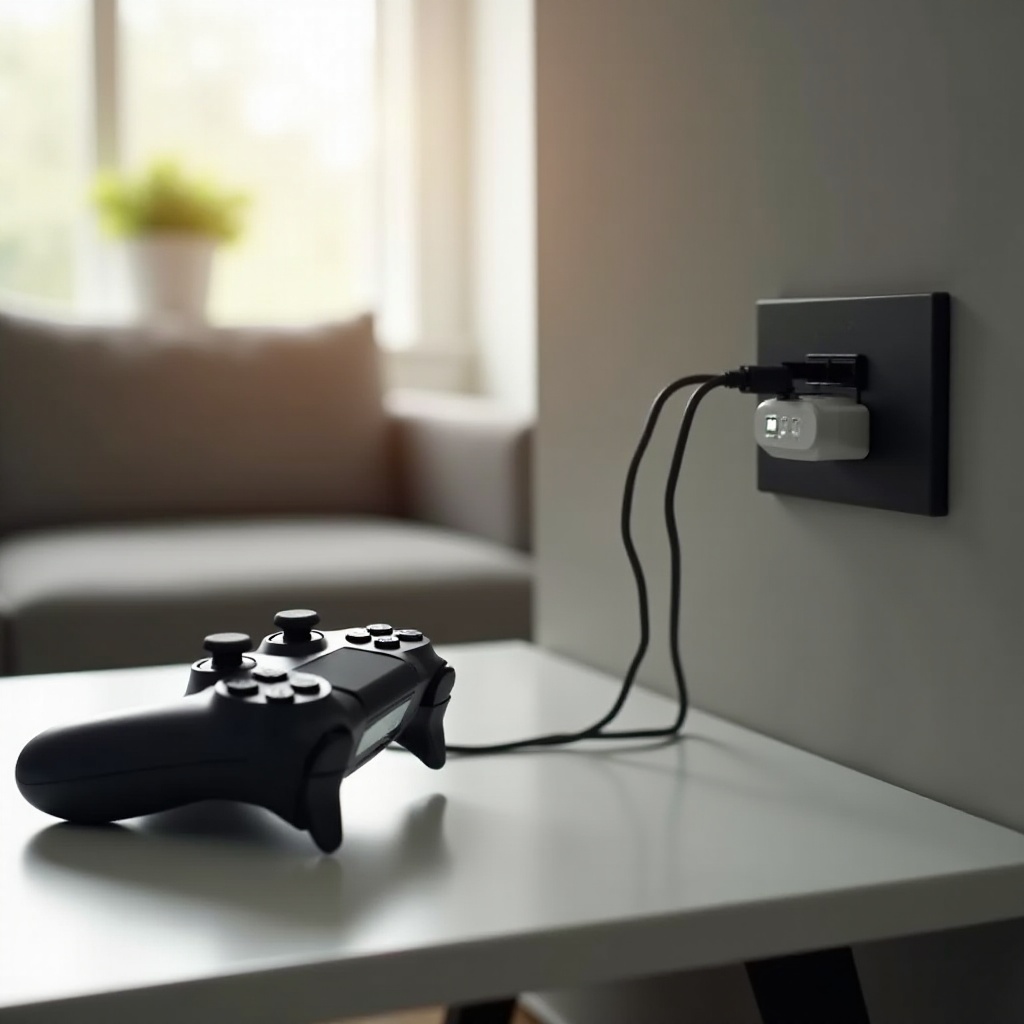
To solve the not charging problem, it’s essential to understand how your PS5 DualSense controller charges. It is typically powered via a USB-C cable, drawing energy from the console, a charging dock, or a direct wall outlet connection. Wall charging should be hassle-free when a compatible adapter and cable are used, offering an efficient way to boost your controller’s battery life. This knowledge is crucial for diagnosing issues and implementing fixes effectively.
Common Causes of Charging Issues
Before jumping into solutions, it’s important to recognize the common reasons behind the PS5 controller’s failure to charge from a wall outlet:
-
Faulty Cables: Ensure that your USB-C cable is in good condition and is designed for PS5 charging requirements.
-
Incompatible Wall Adapters: Not all adapters are suitable. Check if yours delivers the necessary power output (5V, 1.5A) for your controller.
-
Charging Port Issues: Dust or damage can prevent the transfer of power. Inspect and maintain your controller’s port to ensure a proper connection.
Recognizing these potential problems helps set the stage for a methodical approach to troubleshooting.
Step-by-Step Troubleshooting Guide
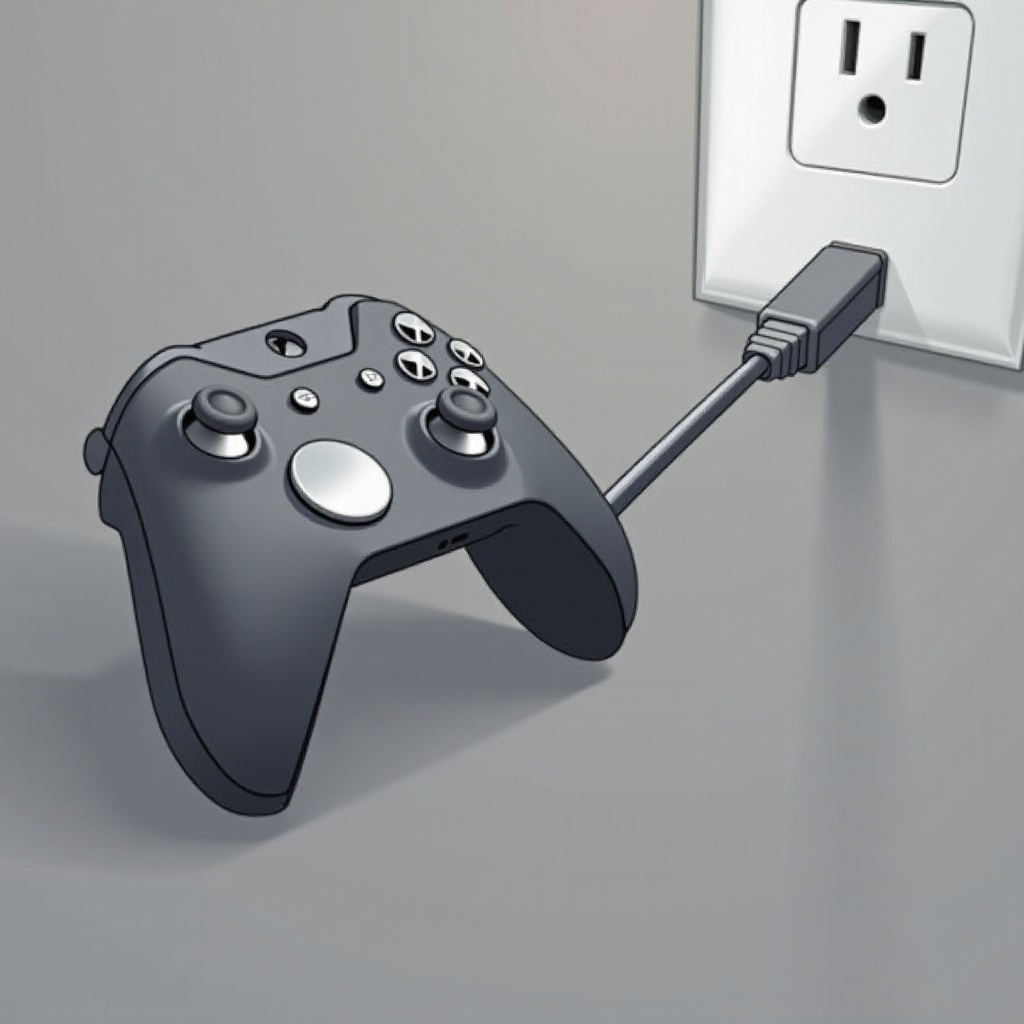
Here is a systematic approach to diagnosing and resolving the issue of your PS5 controller not charging from a wall source:
- Verify Your Charging Cable:
-
Use a genuine USB-C cable that is confirmed to be working with other devices. Replace the cable if necessary to see if that solves the issue.
-
Inspect Your Wall Adapter:
-
Make sure the wall adapter you are using provides the correct voltage and amperage required for the PS5 controller. Consider testing with another adapter.
-
Examine the Controller’s Charging Port:
-
Carefully inspect the charging port on your controller for any signs of dust or damage. Use compressed air or a soft brush to clean it if needed.
-
Update Controller Firmware:
- Connect your PS5 to the internet to check for any software updates, then update the controller’s firmware to ensure compatibility with all charging methods.
This structured guidance helps you identify and address the root causes of your charging issues.
Alternative Charging Solutions
If the problem persists despite following the troubleshooting steps, you might want to consider alternative methods to keep your controller charged:
-
Use a Different Power Source: Charging from the PS5 console or a computer’s USB port may take longer but guarantees power delivery and can be a temporary solution.
-
Invest in a Charging Dock: Using a dedicated charging dock designed for the DualSense controller can eliminate the compatibility issues associated with wall outlets.
Exploring these alternatives might provide a more manageable pathway to ensure your controller remains ready for gaming at all times.
Maintenance and Prevention Tips
After resolving your controller’s charging problems, some preventative measures can ensure longevity and future performance:
-
Regularly Clean Ports: Schedule regular cleanings to remove dust and debris from your controller’s ports and connectors.
-
Protect Cables from Damage: Keep your charging cables coiled neatly and avoid excessive bending or tension to extend their lifespan.
By incorporating these practices, you can maintain the functionality of your PS5 accessories, leading to a smoother and more enjoyable gaming experience.
Conclusion
With a solid grasp on how to diagnose and troubleshoot your PS5 controller’s charging issues from a wall outlet, you’re well-equipped to address any such technical problems swiftly. For continued issues, don’t hesitate to contact Sony’s customer support for assistance. Maintaining your gaming gear is key to uninterrupted entertainment, so ensure your equipment is well-cared for and regularly updated.
Frequently Asked Questions
Why won’t my PS5 controller charge from any power source?
Ensure you’re using compatible charging accessories and inspect your controller’s port and cable for any damage or blockage.
How can I tell if my PS5 controller’s battery is dead?
A completely drained battery will not show any response when connecting to power. Use the controller’s indicator light to check if it’s charging.
Is it safe to use third-party chargers for my PS5 controller?
While some third-party chargers may work, it’s recommended to use Sony-approved accessories to avoid potential damage and ensure the best charging performance.