

 By
By Introduction
The Steam Deck offers gamers the opportunity to experience PC-level gaming on the go. Pairing it with an Xbox controller can further enhance your playing experience, providing comfort and precision. In this guide, we will explore how to connect your Xbox controller to the Steam Deck and unlock its full potential.
Understanding the Steam Deck and Xbox Controller
An Overview of Steam Deck Features
The Steam Deck, developed by Valve Corporation, is a powerful handheld gaming console. It operates on SteamOS, providing direct access to your Steam library with seamless integration. With its custom hardware, it supports Bluetooth, essential for connecting external devices such as the Xbox controller.
Xbox Controller Capabilities and Bluetooth Connectivity
Praised for its ergonomic design, the Xbox controller is a favorite among gamers worldwide. Its Bluetooth capabilities allow it to connect with a wide range of devices, offering flexible use across platforms. Pairing it with a Steam Deck can combine the best of both worlds, offering a tactile gaming experience.
Exploring Compatibility Between Steam Deck and Xbox Controller
Understanding how these two devices interact is crucial for a smooth connection process. The Steam Deck is designed to be versatile, extending its compatibility to the widely popular Xbox controller.
Valve’s Official Support for Xbox Controllers
Valve’s support confirms that Xbox controllers work seamlessly with the Steam Deck. Updates regularly enhance the integration, ensuring users can rely on their Xbox controllers for an uninterrupted gaming experience.
User Experiences and Community Feedback
Feedback from the gaming community highlights the ease and reliability of connecting Xbox controllers to the Steam Deck. Many players report successful pairings and satisfactory performance, though minor connectivity issues can occasionally arise. Engaging with user forums can provide practical tips and solutions for resolving such issues.
Step-by-Step Guide to Connecting Xbox Controller to Steam Deck
Here is how you can easily connect your Xbox controller to your Steam Deck, ensuring you don’t miss a beat in your gaming adventures.
Preparing Your Devices
- Make sure both your Steam Deck and Xbox controller are charged.
- Turn on the Steam Deck and navigate to its main menu.
- Press the Xbox button on your controller to power it up.
Bluetooth Pairing Process
- On the Steam Deck, go to the Settings menu and select Bluetooth.
- Ensure Bluetooth is enabled.
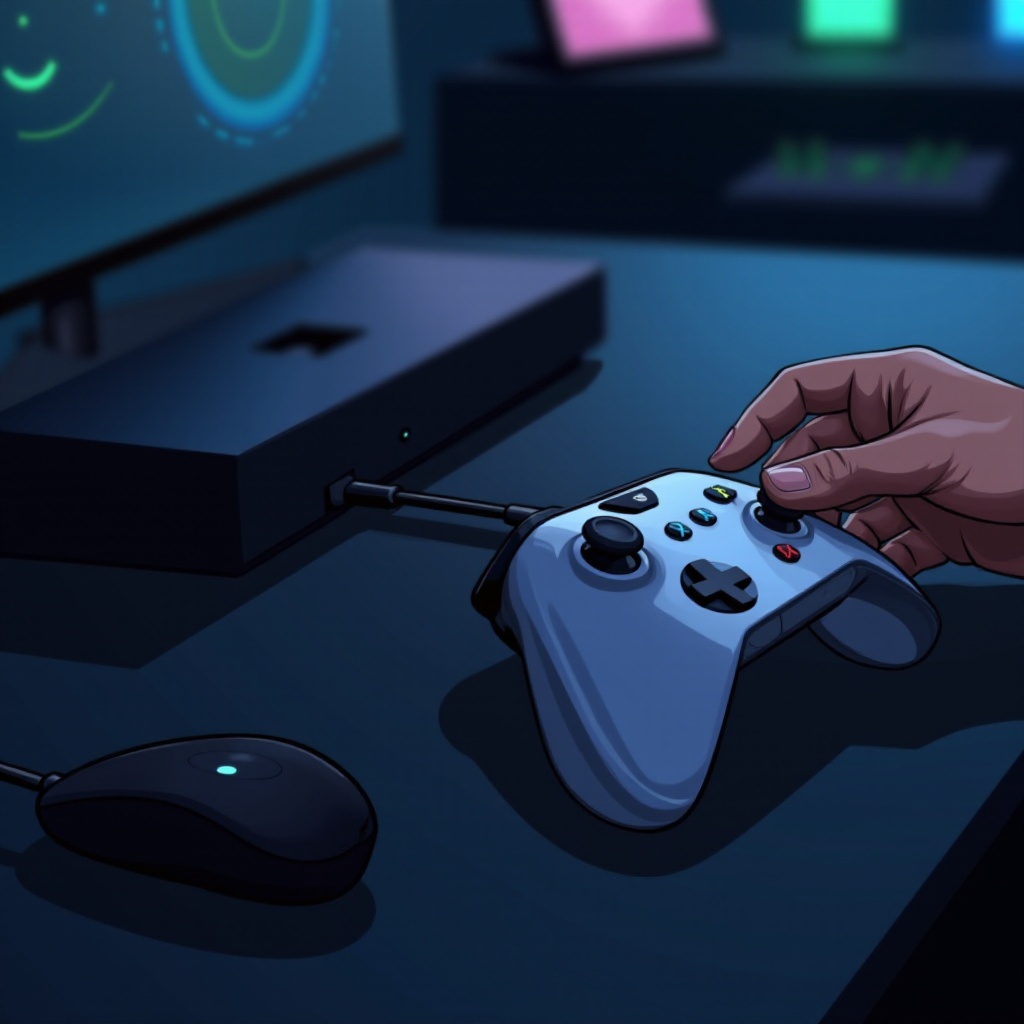
- Press and hold the Sync button on your Xbox controller until the Xbox button begins to flash.
- On your Steam Deck, select ‘Xbox Wireless Controller’ from the list of available devices.
- Once connected, the Xbox button on the controller should remain lit, indicating a successful pairing.
Troubleshooting Common Issues
- Controller Not Detected: Restart Bluetooth on both devices and ensure the controller is in pairing mode.
- Intermittent Connection: Keep the devices within range and minimize any wireless interference.
- Lag or Input Delay: Reboot both the Steam Deck and the controller to clear any temporary glitches.
Maximizing Your Gaming Experience with Xbox Controller on Steam Deck
With your controller and Steam Deck connected, you can explore a multitude of games with enhanced control and responsiveness.
Recommended Games and Genres
Whether you’re into action-packed adventures or strategic gameplay, the Steam Deck and Xbox controller combo suits many genres. Top games like ‘Hades,’ ‘Dark Souls,’ and ‘Rocket League’ offer a fully immersive experience when played with an Xbox controller.
Customizing Controller Settings for Optimal Performance
Access the ‘Controller Configuration’ feature in Steam to tweak your Xbox controller to your liking. You can adjust sensitivity, button assignments, and more to suit different games or personal preferences. Tailoring your setup ensures maximum comfort and performance during gameplay.
Future Prospects for Game Console Connectivity
The gaming industry continues to evolve with technology, promising more refined connectivity options between devices.
Upcoming Features and Updates
Valve is committed to updating the Steam Deck to support a wider variety of controllers, improving connectivity and user experience. Future firmware updates are expected to enhance hardware support, solidifying cross-platform play.
Predictions for Cross-Platform Gaming Compatibility
As the industry trends towards platform agnosticism, future developments may allow for broader compatibility between gaming devices, reducing the barriers to entry for gamers who enjoy diverse gaming ecosystems.
Conclusion
The combination of a Steam Deck and an Xbox controller allows gamers to leverage the strengths of both devices. Simplifying the connection process enhances gameplay by offering the best of tactile and portable gaming. Dive into your favorite games with confidence and experience an unmatched level of control and enjoyment.
Frequently Asked Questions
Can I connect multiple Xbox controllers to the Steam Deck?
Yes, the Steam Deck supports multiple controllers. You can pair additional Xbox controllers using the Bluetooth menu to enjoy multiplayer games.
What should I do if my Xbox controller isn’t detected by the Steam Deck?
Try restarting both devices, ensure the controller is in pairing mode, and check for any updates that may enhance compatibility.
Are there any alternatives to using an Xbox controller with the Steam Deck?
Yes, the Steam Deck is compatible with various controllers, including PlayStation’s DualSense and other third-party options, giving you the freedom to choose based on your preference.